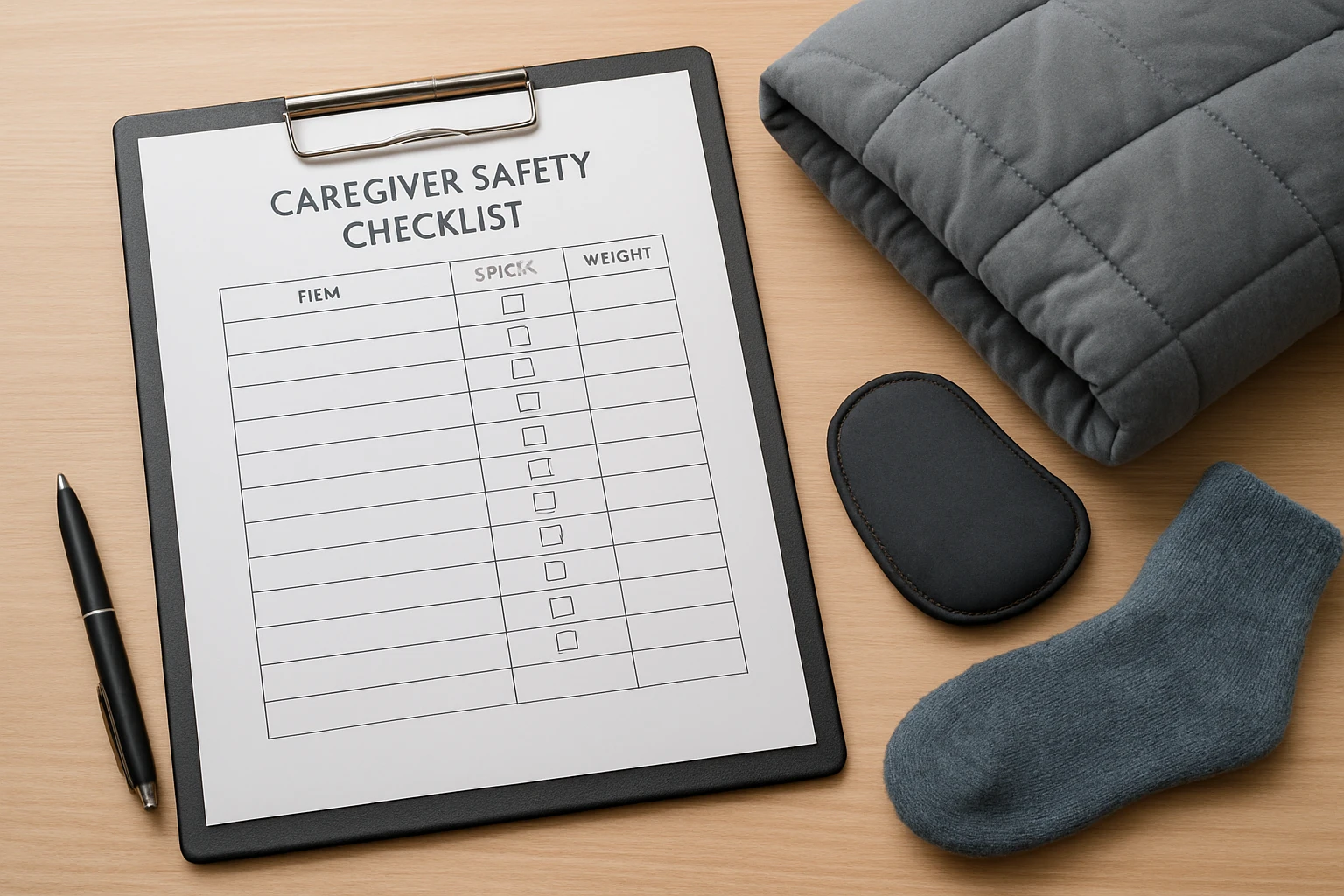
How to Create and Use a Weighted Caregiver Safety Checklist for Adults — A Step‑by‑Step Guide
Introduction
Providing care for an adult with complex needs demands meticulous planning, clear communication, and constant vigilance. This guide will teach the reader how to design a weighted caregiver safety checklist that captures essential tasks, reduces the likelihood of errors, and promotes confidence for both caregiver and care recipient. By following the steps, one will create a customized, printable checklist, integrate it with daily documentation tools, and develop a routine that safeguards health, legal, and emotional aspects of caregiving. The value of a weighted checklist lies in its ability to prioritize high‑risk items while still addressing routine responsibilities, thereby creating a balanced approach to safe caregiving.
What You’ll Need
- Computer or tablet with internet access
- Word‑processing or spreadsheet software (e.g., Microsoft Word, Google Sheets)
- Printed paper or a durable notebook for the final checklist
- Optional: Caregiver's Guide to Dementia for background on caregiver challenges
- Optional: Caregiver Daily Log Book to record daily observations
- Optional: Home Health Care Activity Sheets for tracking specific tasks
Step 1: Assess Caregiving Scope and Identify High‑Risk Areas
The first step is to evaluate the overall caregiving situation. One should list medical conditions, medication regimens, mobility limitations, and legal responsibilities. High‑risk areas typically include medication errors, fall prevention, and emergency response. Creating a matrix that assigns a risk weight (e.g., 1‑5) to each category helps prioritize tasks.
Why use Caregiver's Guide to Dementia at this stage? The book provides practical advice on recognizing behavioral changes and legal considerations, which are essential for accurate risk weighting. It is priced at $24.89, holds a 4.7‑star rating from 2,111 reviews, and offers real‑world examples that aid in risk assessment.
Step 2: Draft the Checklist Framework
Using the risk matrix, one should create a table with columns for task description, frequency, responsible party, and risk weight. Begin with high‑weight items (4‑5) such as "Verify medication dosage before administration" and "Check for obstacles in walking paths". Follow with medium‑weight items (2‑3) like "Prepare meals with dietary restrictions" and low‑weight items (1) such as "Re‑order household supplies".
Integrating a printable format early simplifies later use. Spreadsheet software allows easy sorting by risk weight, enabling caregivers to focus on critical tasks first.
Step 3: Incorporate Documentation Tools
Accurate documentation is vital for continuity of care. One should embed a section for daily notes, medication logs, and incident reports directly into the checklist. This ensures that observations are recorded alongside tasks, reducing the chance of missed information.
The Caregiver Daily Log Book serves as an excellent companion for this purpose. Priced at $7.99 with a 4.3‑star rating, the log book provides pre‑formatted daily checklists, medication reminder sections, and space for caregiver reflections. Its compact size makes it easy to carry alongside the printed checklist.
Step 4: Add Activity Tracking Sheets
For caregivers who manage multiple therapeutic activities, incorporating activity tracking sheets enhances the checklist’s utility. One can attach a set of activity report sheets that capture exercise, cognitive stimulation, and social engagement.
The Home Health Care Activity Sheets include 120 printable pages, each designed to record duration, intensity, and observations. At $9.99 and a perfect 5‑star rating from two reviews, these sheets provide a structured way to monitor progress and adjust care plans accordingly.
Step 5: Assign Responsibility and Set Reminders
Clear delegation prevents task overlap and ensures accountability. One should assign each checklist item to a specific individual—whether the primary caregiver, a family member, or a professional aide. Adding reminder mechanisms, such as phone alarms or calendar alerts, reinforces compliance.
While many digital reminder apps exist, the physical checklist combined with the Caregiver Daily Log Book offers a tactile reminder system. Writing the next day’s high‑priority tasks in the log book creates a visual cue that is difficult to overlook.
Step 6: Review, Test, and Refine the Checklist
Before final implementation, one should conduct a trial period of one week. During this time, record any missed tasks, ambiguities, or excessive time consumption. After the trial, adjust the risk weights, re‑order items for efficiency, and clarify language where needed.
Feedback from the caregiver’s support network is invaluable. Incorporating suggestions from the Caregiver's Guide to Dementia can provide insights into emotional stressors that may affect checklist adherence.
Tips & Pro Tips
- Use color‑coding to differentiate risk levels: red for high, orange for medium, green for low.
- Laminate the printed checklist to protect it from spills and wear.
- Place the checklist in a central location, such as the kitchen refrigerator, where it is visible to all caregivers.
- Schedule a weekly review meeting with all caregivers to discuss checklist performance and adjust as needed.
- Combine digital reminders with the physical log book for redundancy.
Troubleshooting
Problem: Checklist items are frequently missed.
Solution: Re‑evaluate the risk weighting. If an item is high‑risk but low‑visibility, move it to the top of the daily section and add a visual cue such as a sticky note.
Problem: Caregiver feels overwhelmed by the number of tasks.
Solution: Break the checklist into morning, afternoon, and evening blocks. Use the Caregiver Daily Log Book to track completed blocks, providing a sense of progress.
Conclusion
By following this step‑by‑step guide, one can create a weighted caregiver safety checklist that prioritizes high‑risk tasks, integrates documentation tools, and supports continuous improvement. The checklist becomes a living document that evolves with the care recipient’s needs, ensuring safety, compliance, and peace of mind for all involved.
Products Mentioned in This Guide
Frequently Asked Questions
What is a weighted caregiver safety checklist and why is it useful?
It is a prioritized list of caregiving tasks that assigns greater weight to high‑risk items, helping reduce errors and improve safety for both caregiver and adult.
How do I determine which tasks should receive the highest weight?
Assess each task’s potential impact on health, legal compliance, and emotional wellbeing, then rank those with the greatest risk or consequence higher.
Which tools can I use to create a printable weighted checklist?
You can use word‑processing or spreadsheet software like Microsoft Word, Google Docs, or Google Sheets, then print or transfer to a durable notebook.
How often should I review and update the checklist?
Review the checklist weekly or whenever the adult’s condition changes, and update weights and tasks to reflect new risks or care needs.
Can the checklist be integrated with daily documentation tools?
Yes, you can link it to digital logs, caregiving apps, or shared spreadsheets to track completion and maintain records in real time.